
Asking Sellers for a Quote
Post your list once, receive offers from verified sellers, compare them and order.
On this page
When to ask for a quote
Ask for a quote when you are buying in bulk, need several materials together, or want sellers to compete on price. For a single product at the listed price, buying directly is quicker.
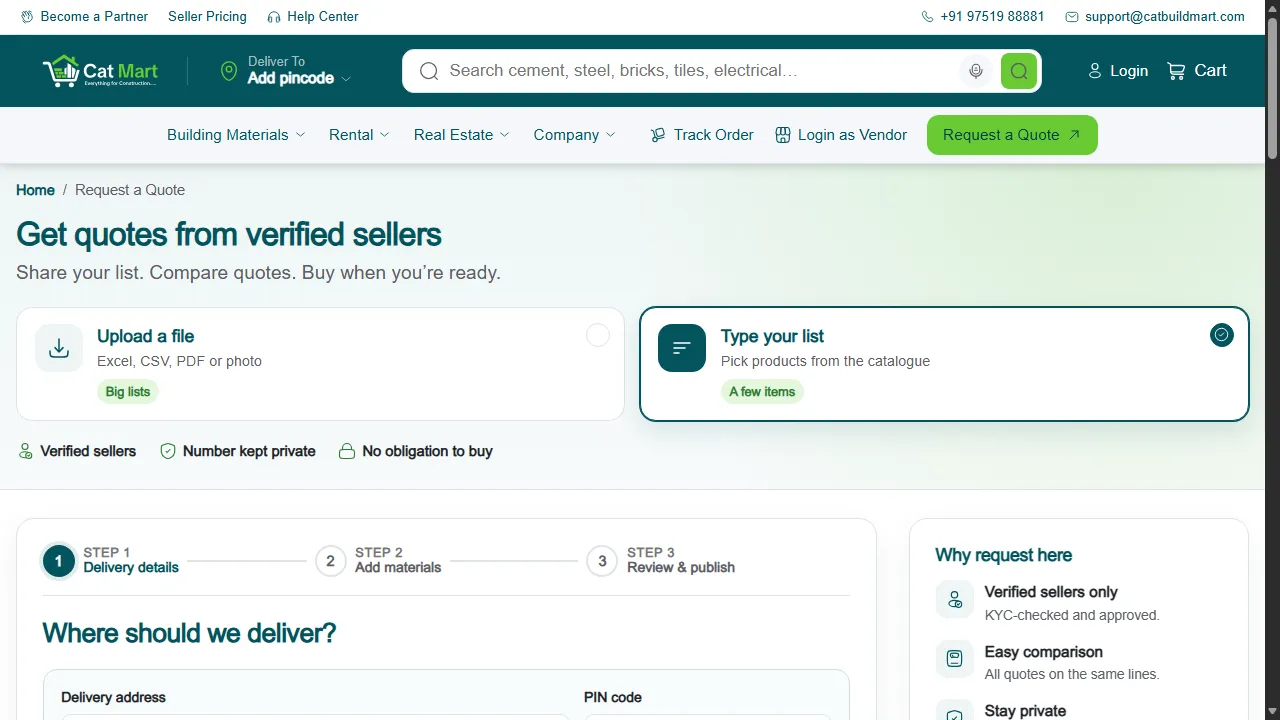
Create a request
- Open Request a Quote and choose Type your list.
- Delivery details. Enter the site address and PIN code.
- Add materials. Pick each product from the catalogue and enter the quantity.
- Review and publish. Check the list and send it to sellers.
Already have a list in a file? Upload it instead.
Sellers send offers
Verified sellers who deliver to your PIN code see the request and send their prices. Your phone number is not shown to them, and you are not obliged to buy.
Offers arrive under My quotes, and you get a notification for each one.
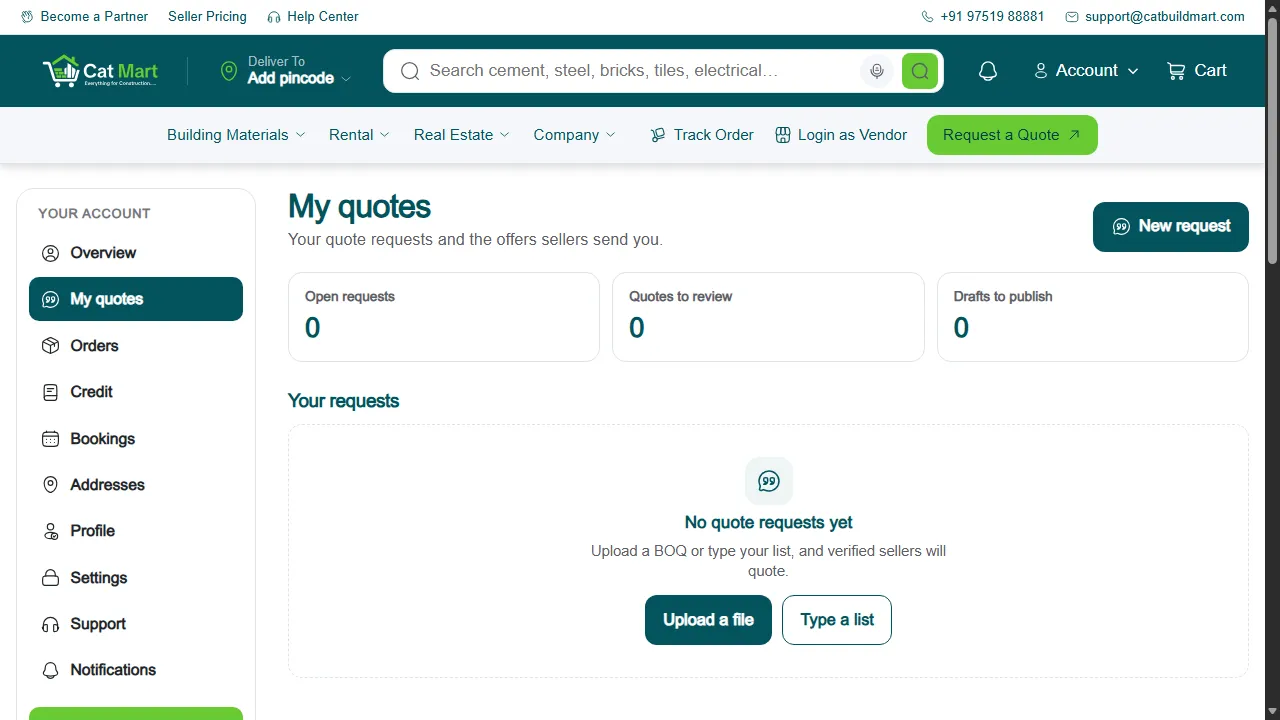
Compare and accept
Offers for the same request are shown side by side. Accept one seller's offer for everything, or take the best offer for each item from different sellers. Accepting takes you to checkout, where the order is placed and paid like any other.
Your feedback helps us improve our policies and communications.