
Your Account: Settings, Security and Notifications
Change your mobile number, save addresses and refund details, and keep up with updates.
On this page
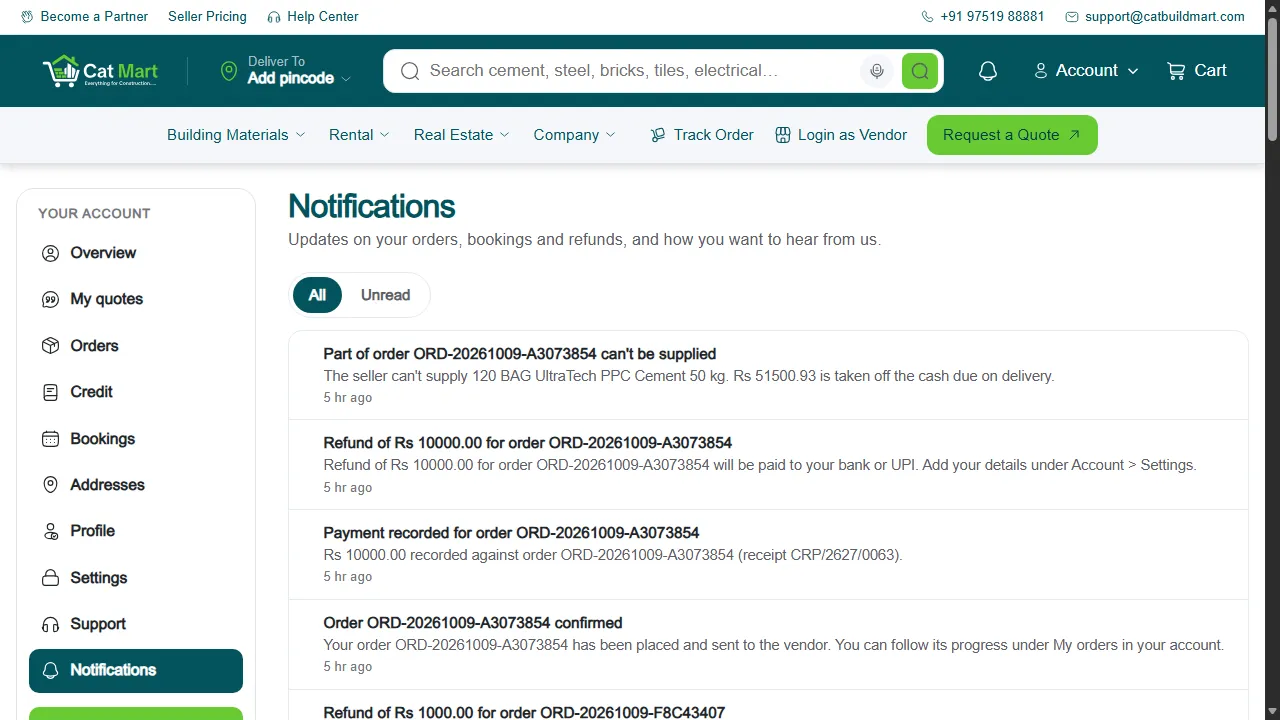
Notifications
The bell at the top shows your five latest updates. View all opens Notifications, where you can see read and unread messages about orders, quotes, bookings and refunds.
Settings and security
Under Settings you can change the mobile number you sign in with. The change is confirmed with a one-time code sent to the new number.
Addresses
Save your sites under Addresses so you can pick one at checkout instead of typing it each time.
Refund details
Add a bank account or UPI ID under Refund details. It is used only for refunds on orders you paid for in cash or directly to the seller.
Getting help
Raise a request from Support in your account, or visit the Help Center.
Your feedback helps us improve our policies and communications.